Brushio for iPhone and Apple Watch
Brush your teeth right the way dentists recommend.
Brushio guides you through every zone of your teeth as you brush, remembers every detail of your dentist visits and keeps track of your toothbrush.

Brushio for iPhone and Apple Watch
Brushio guides you through every zone of your teeth as you brush, remembers every detail of your dentist visits and keeps track of your toothbrush.
Every brushing. Every tooth. Every dentist visit. All in one app.
Timer
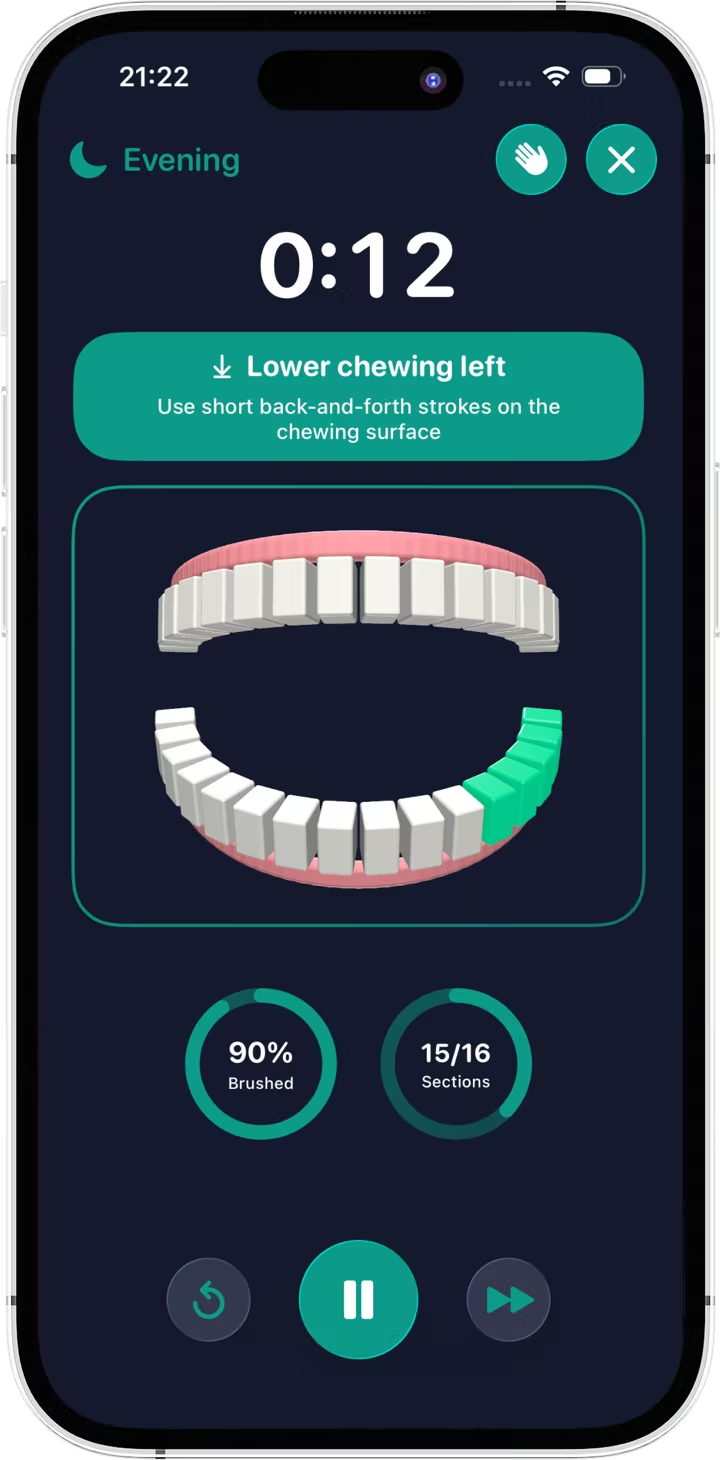
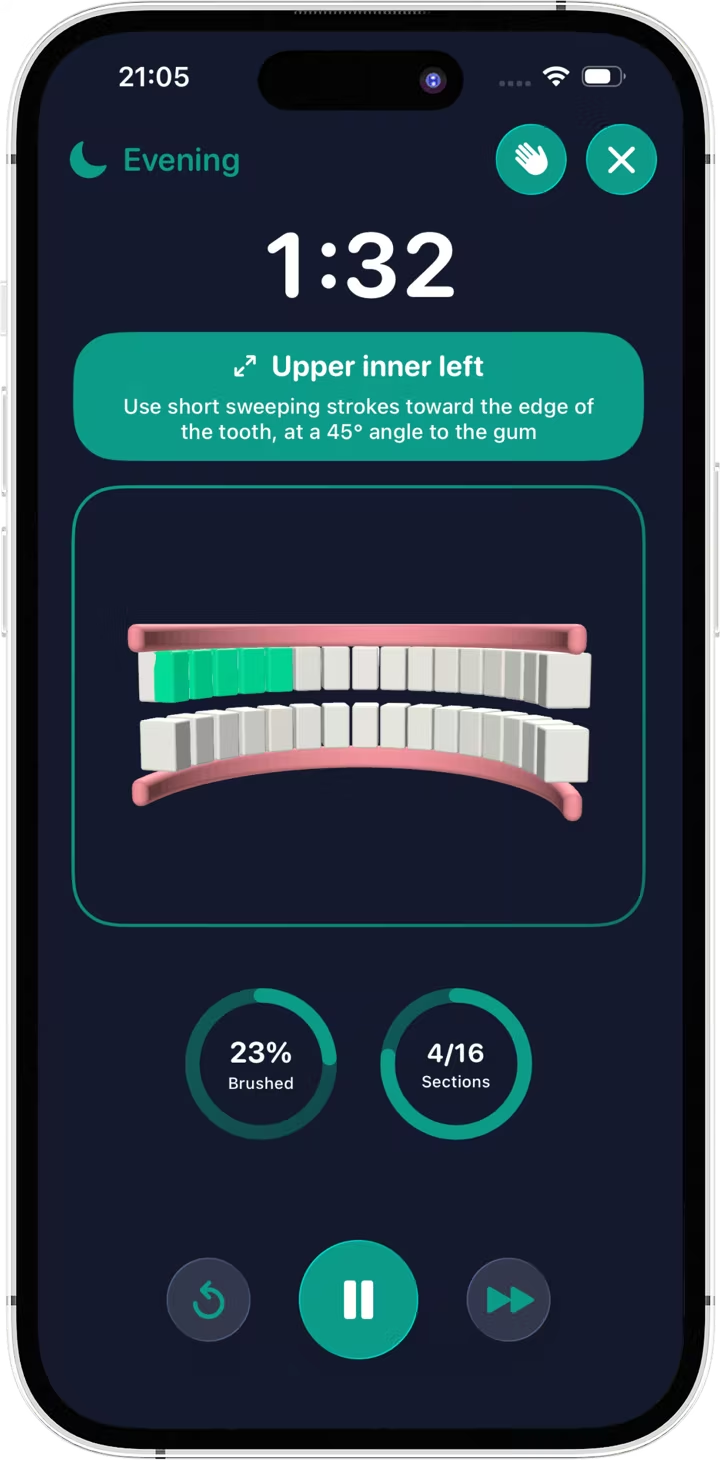
The timer splits your teeth into 16 zones - outer, inner and chewing surfaces - and guides you through them one by one. Each zone comes with a hint on how to hold and move your brush: manual, electric or sonic. A vibration and a sound tell you when to move on.
Three display modes:
Dentist
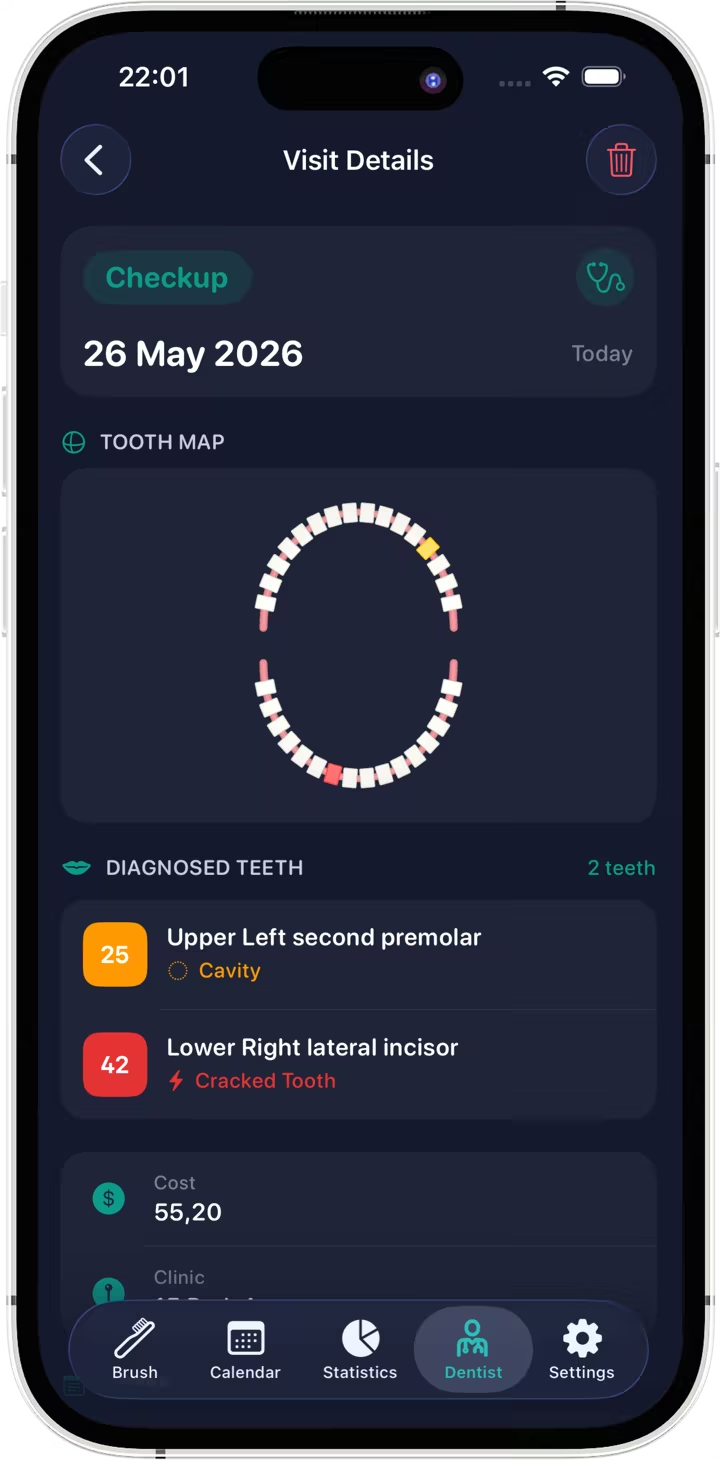
Log checkups and treatments: diagnosis, procedure, clinic and address, cost and notes. And Brushio will sum it all up and remind you when it’s time for your next checkup.
Tooth Map
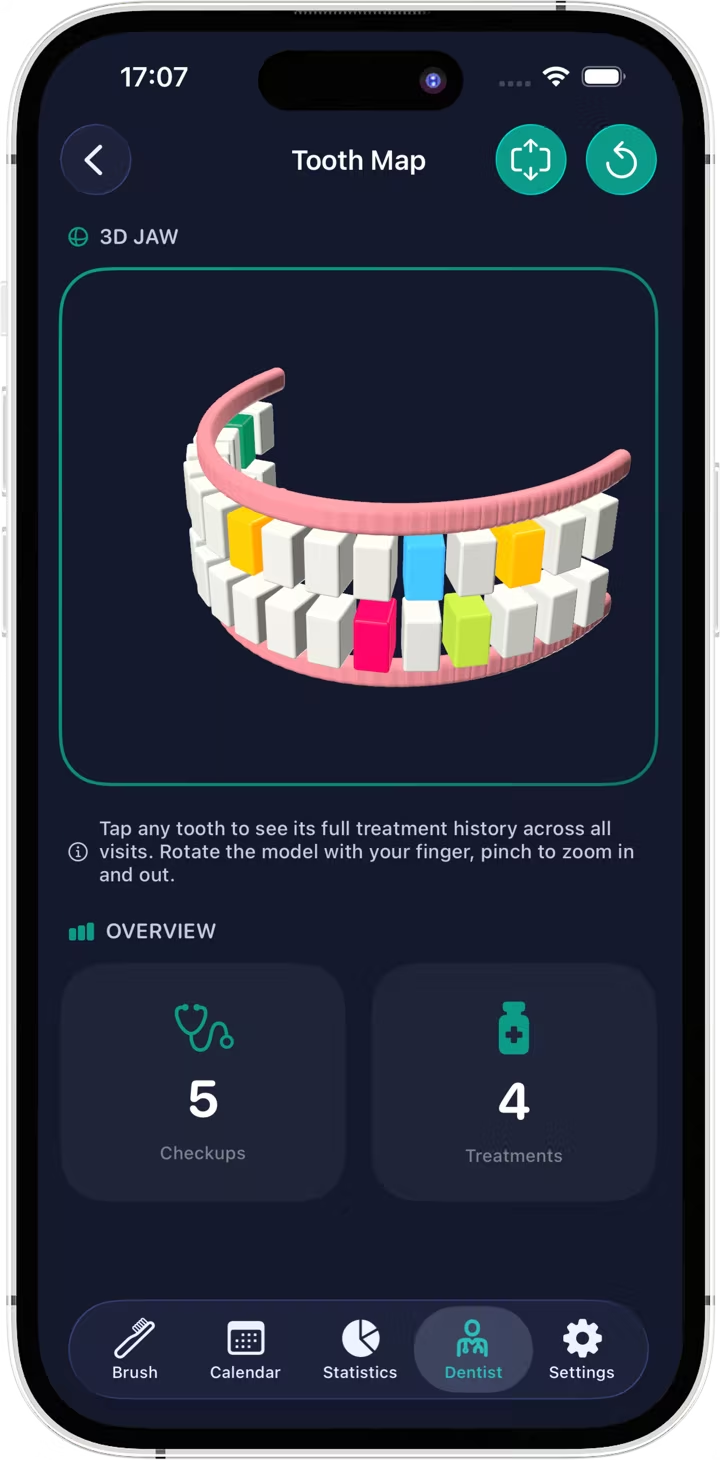
Tap a tooth on the 3D model to see everything that happened to it: diagnoses, fillings, crowns, extractions. Teeth with a diagnosis or treatment are highlighted, so problem spots stand out at once.
Calendar
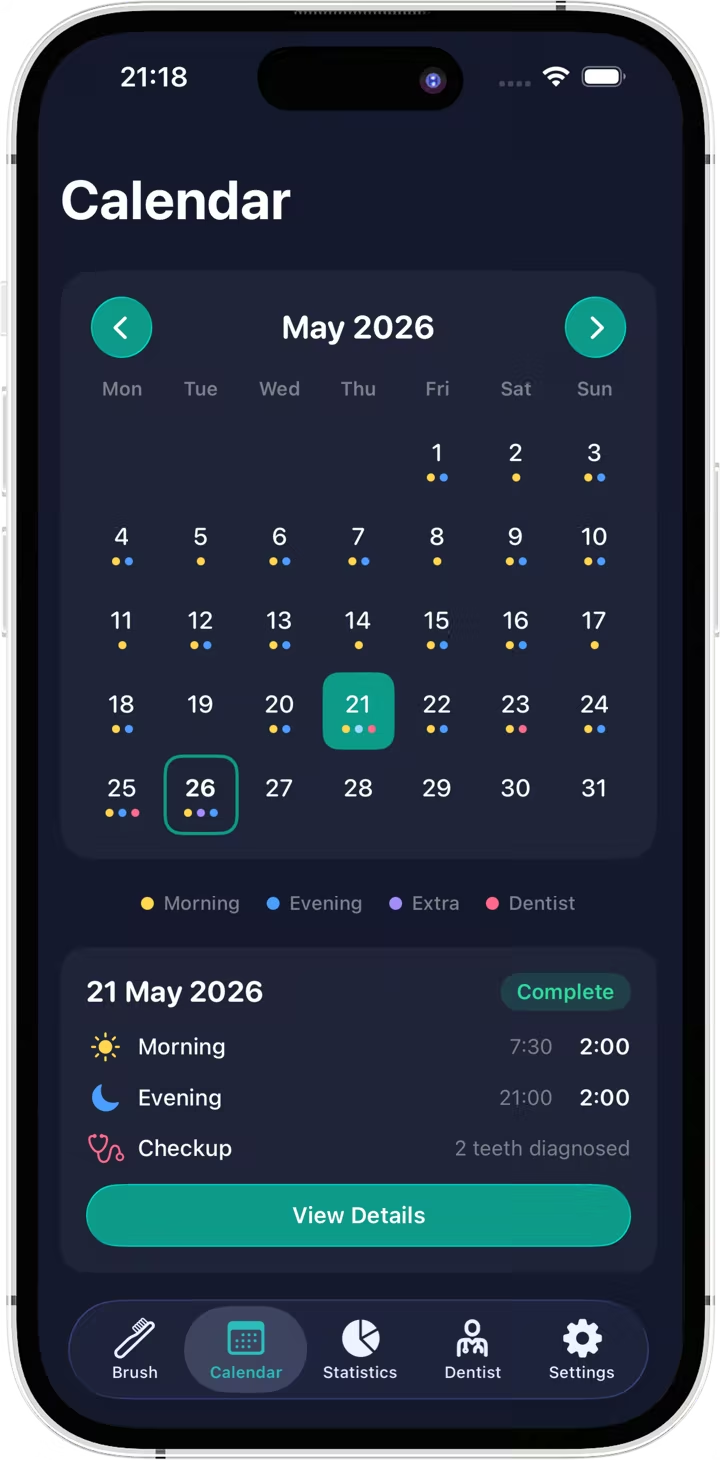
Color dots show morning and evening brushing, extra sessions, dentist visits and symptoms. Tap a day to see when and how long you brushed. Felt pain or noticed bleeding gums? Add a symptom so you don’t forget to tell your dentist about it at your next visit.
Statistics
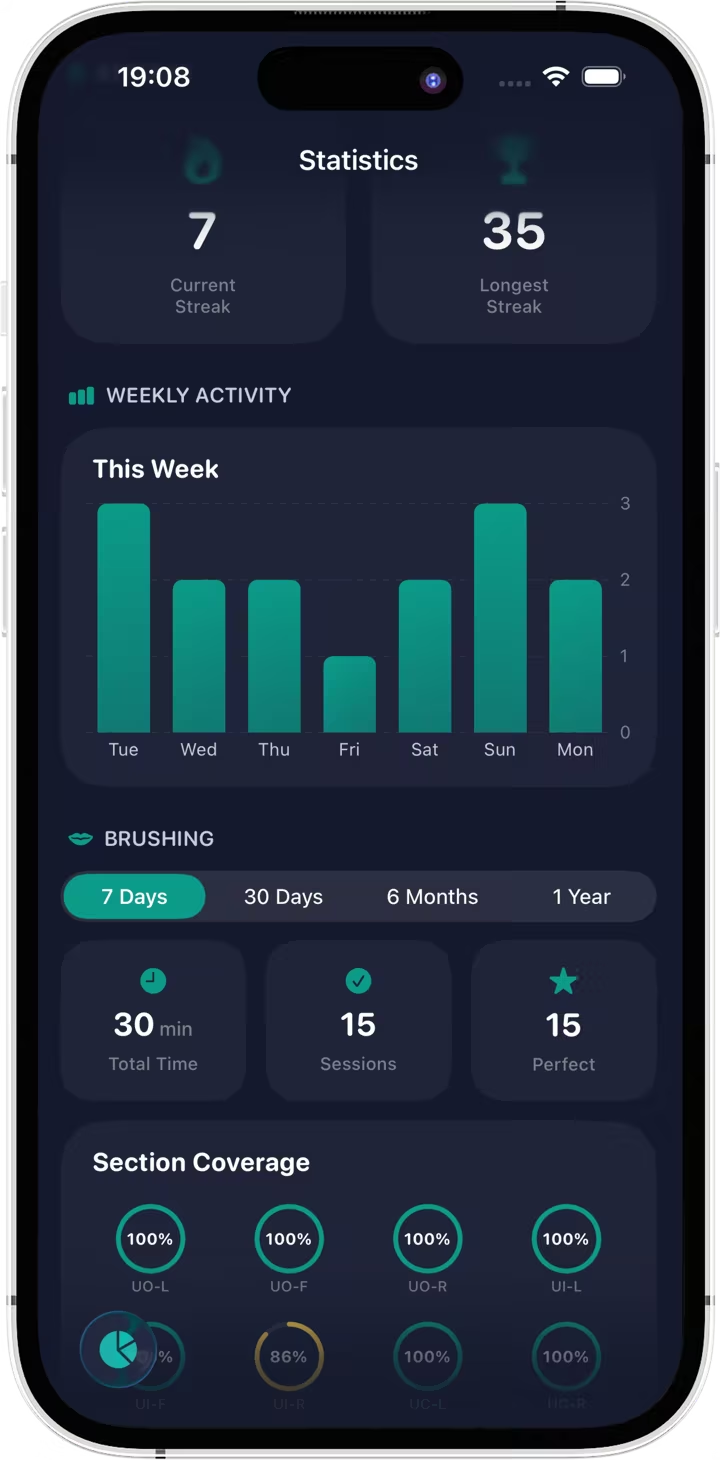
Your current and longest streak, brushing over the last week, how well each zone is brushed in percent, total time, number of sessions and perfect brushings - all your stats at a glance.
Plus a summary of your dentist visits and 20 achievements that motivate you to keep your streak going.
Toothbrush
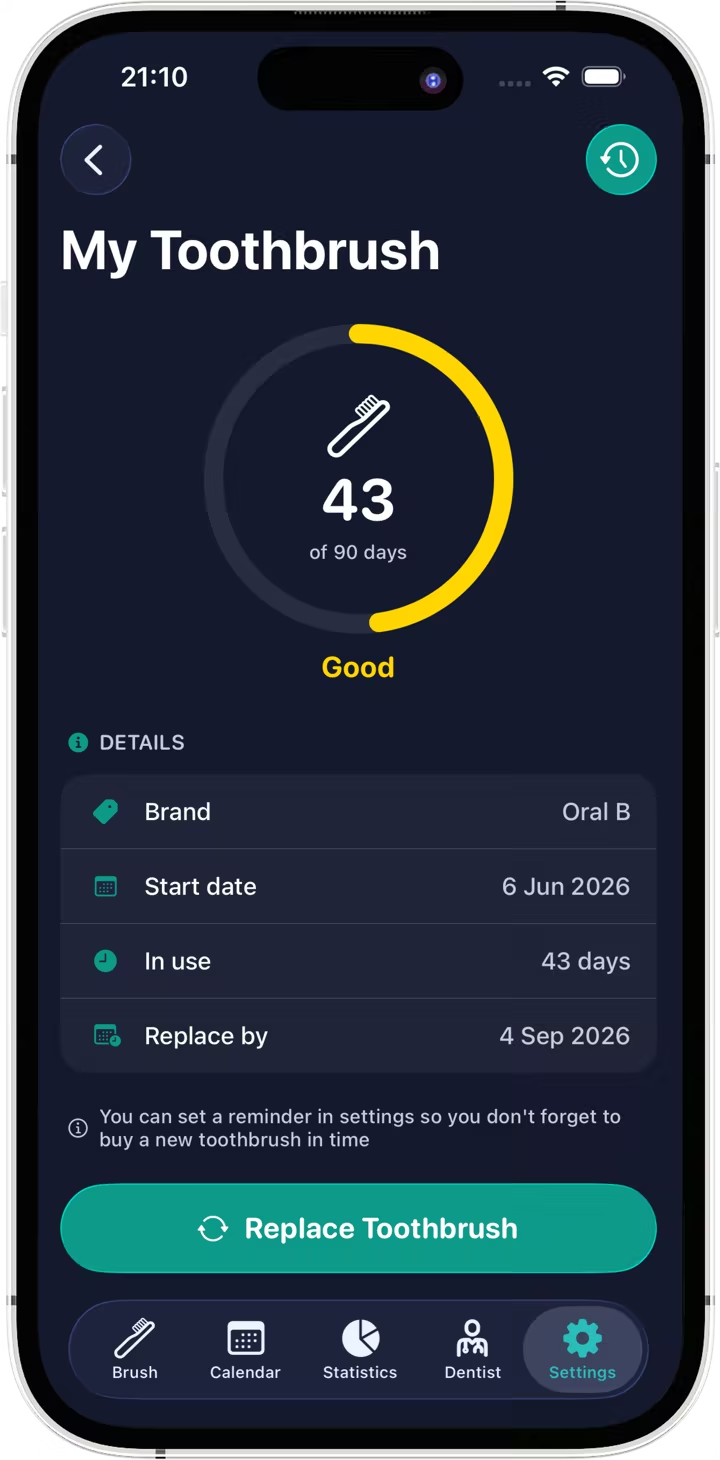
Brushio remembers your toothbrush type and brand and counts the days you’ve used it - because worn bristles clean worse and collect bacteria. The app keeps a history of all your toothbrushes and can remind you in advance to buy a new one.
The timer with zone hints and vibration on your wrist, and your streak and weekly brushing right on the watch face.
Your streak, weekly activity and toothbrush status on the Home Screen and Lock Screen.
Your brushing progress on the Lock Screen and in the Dynamic Island.
Your data is stored in your iCloud, so nothing gets lost when you change phones.
Brushing sessions are saved to Health.
Share your symptoms, treatment history and brushing stats with your dentist as a handy PDF document.
No. Brushio works without any registration. Your data is tied to your Apple Account through iCloud, which you already use.
On your devices and in your private iCloud. Brushio has no servers, so the developer has no access to your data.
It only writes your toothbrushing sessions to Apple Health if you allow it. It never reads any health data.
Yes. You can start and follow a brushing session right from your wrist. The Watch app needs watchOS 10.6 or later.
iPhone with iOS 17 or later and Apple Watch with watchOS 10.6 or later.
The “Dental Arch” brushing mode, more brushing duration options, unlimited extra sessions, statistics for 6 months and a year, photos of dentist visit documents, extra toothbrush replacement periods and the PDF report. You can subscribe monthly (with the first 3 days free) or yearly, or buy it once for lifetime access.
Open Settings on your iPhone, tap your name, then Subscriptions, and choose Brushio. A lifetime purchase never needs to be canceled.
English, Ukrainian, Russian, German, French, Spanish, Brazilian Portuguese, Japanese and Simplified Chinese.
Write to brushio.support@gmail.com - we read every message.